Gallery pane
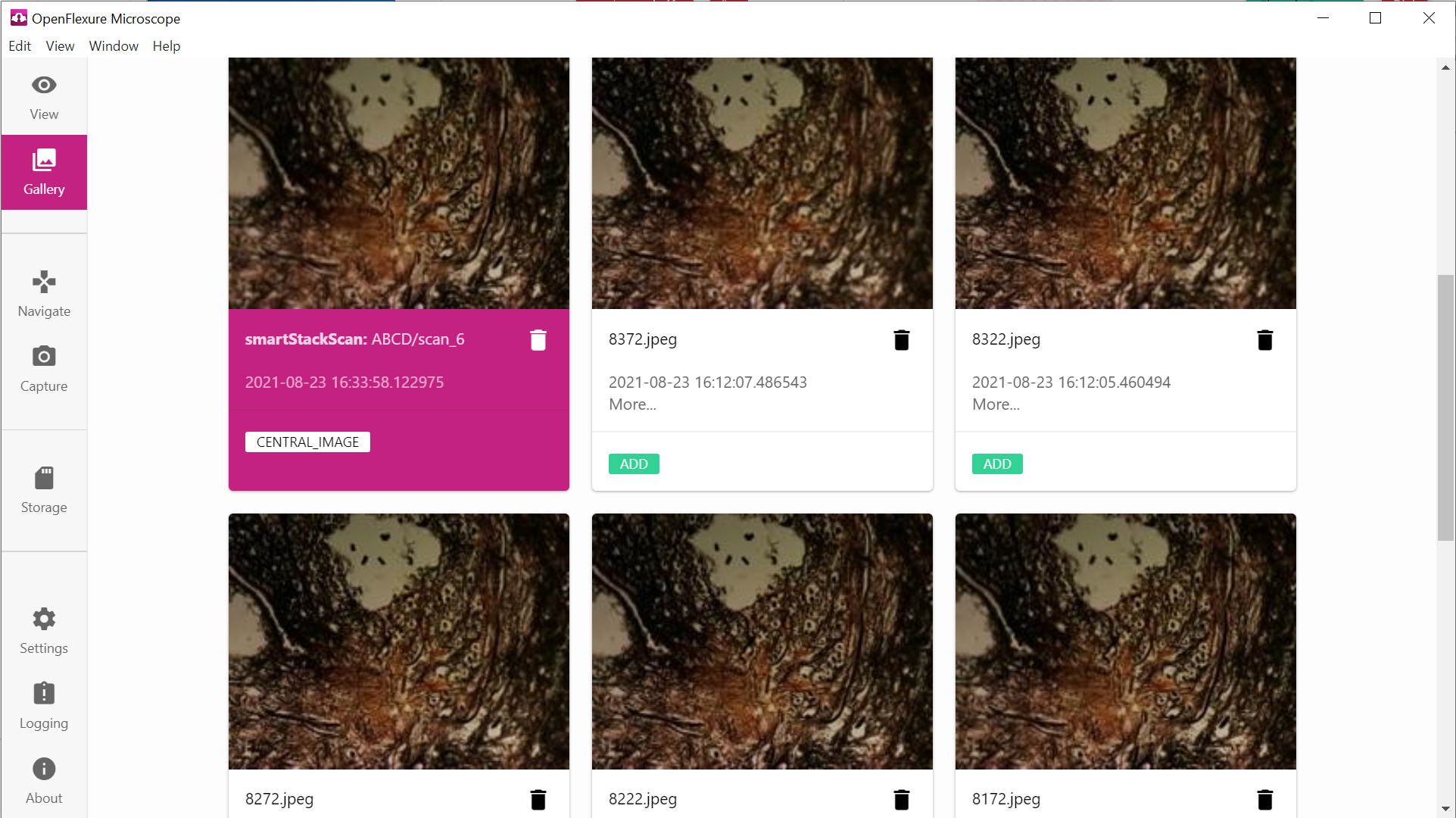
The gallery displays all the images currently stored on the microscope. Scans are grouped together into folders. Clicking on an image will display it in a “lightbox” view that allows scrolling through all images in the current view. When an image is displayed in the lightbox view, it may be right-clicked to download it. Multiple images can also be downloaded as a zip archive.
Bulk transfer of images is often easier using SCP, and images are stored by default in /var/openflexure/data/micrographs/ on the Raspberry Pi.
Saving of images to external storage is possible - this can be configured using the “autostorage” plugin, which currently displays an SD card icon in the navigation bar at the left of the screen.